 Hidden Wiki HQ
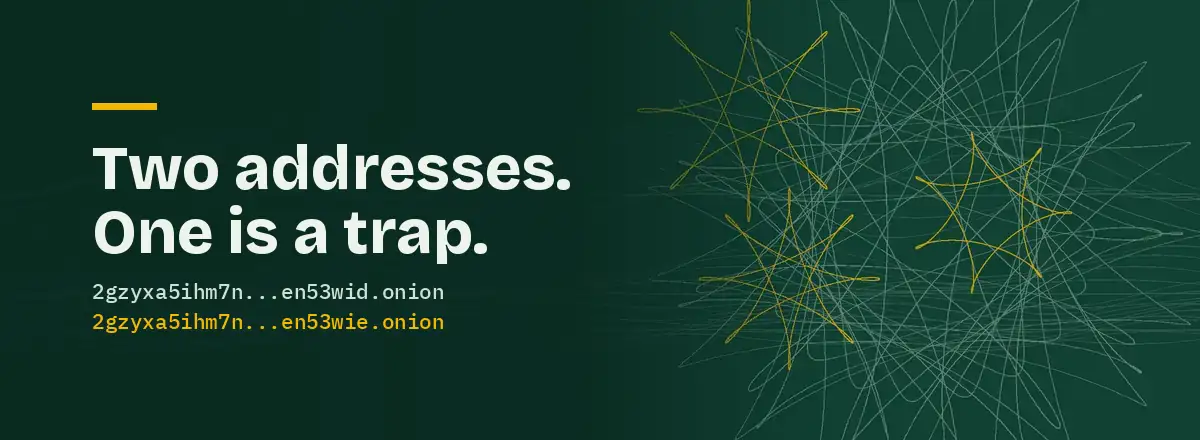
Phishing on the normal web relies on you not looking closely. Phishing on Tor doesn’t need even that, because looking closely doesn’t help. A real onion address and a fake one are both 56 characters of noise.
Here’s what one looks like. This is the Tor Project’s own site:
2gzyxa5ihm7nsggfxnu52rck2vv4rvmdlkiu3zzui5du4xyclen53wid.onion
Could you tell if character 31 had been changed? Nobody could. That’s the whole game.
How the fakes are made
An onion address is generated from a cryptographic key. You can’t choose one, but you can keep generating keys until you get an address that starts with the letters you want. Getting the first six characters to match takes minutes on an ordinary computer, and a couple more is only a matter of patience. So a scammer generates an address that starts the same way as the real one, puts up a pixel-perfect copy of the site, and then works on getting that address in front of you.
The copy usually works as a live relay. You type your login, it passes it to the real site, shows you the real response, and keeps your password. On markets it quietly swaps the deposit address for the scammer’s. Everything looks normal until your money isn’t there.
Where fake links come from
Hidden wiki clones
The most common source by a distance. Someone copies an existing hidden wiki, changes a few addresses to their own look-alikes and puts it up on the normal web where search engines can find it. The page looks like every other hidden wiki, because it is one, minus a handful of edits you can’t see.
When police seized hundreds of onion addresses in Operation Onymous in 2014, researchers found that many weren’t real sites at all but clones and scams, including a mirror of the Hidden Wiki. The history page has more on that.
Edited reference pages
You’d think Wikipedia would be safe. CyberScoop documented scammers repeatedly editing Wikipedia articles to replace the genuine address of AlphaBay, then the largest market on Tor, with phishing copies. Editors kept reverting it. The scammers kept coming back. For the hours each fake stayed up, anyone who trusted the article got robbed.
Fake search engines
Vice reported on a dark web search engine that was itself a fake: a copy of a known search tool whose results pointed to fake versions of real sites. A phishing site for finding phishing sites.
Mass-produced scam networks
In March 2026 Europol’s Operation Alice took more than 373,000 dark web sites offline in one action against a single fraud network. Read that number again. One operation, hundreds of thousands of sites. Scam pages on Tor aren’t hand-made. They’re stamped out by script.
Seven checks that work
- Get the address from the owner. If the organisation has a normal website, the onion address should be published there. The Tor Project does this at onion.torproject.org, Proton at proton.me/tor. This one check beats the other six combined.
- Look for the “.onion available” prompt. Open the organisation’s normal site in Tor Browser. If it runs an onion service properly, Tor Browser shows a purple button in the address bar offering to switch. That redirect comes from the real site.
- Count the characters. 56 before the
.onion. If it’s 16, the address has been dead since 2021 and the page showing it is abandoned. - Compare both ends and the middle. Scammers match the start of an address because that’s the cheap part. Check the last six characters and a few from the middle as well.
- Compare two independent sources. If two lists that didn’t copy each other show the same address, good. If they differ, one is wrong and you shouldn’t use either until you know which.
- Bookmark it once it’s confirmed. Then stop looking it up. Every fresh search is another chance to land on a fake.
- Be suspicious of urgency. “Old link is down, use this new mirror” is the oldest line there is.
What a trustworthy directory shows you
We built Hidden Wiki HQ around this problem, so we’ll say what we think the minimum is:
- The source of every address, linked, so you can check it yourself in ten seconds.
- The date of the last check.
- A clear label when something hasn’t been confirmed, kept apart from what has.
- A public record of checks, including failures. Ours is the check log.
The details are on the verification method page. And don’t trust us more than you need to. The source link on each card is there so you can skip us entirely and confirm the address at the origin.
If you think you used a fake
Assume anything you typed there is known. Change that password everywhere you used it, starting with the real site, reached from a confirmed address. If you sent money, it’s gone; there’s no chargeback on the dark web. If you downloaded something, don’t open it, and if you already did, treat the computer as compromised.
Then set yourself up properly with the safe access guide, and have a look at the myths page for the scams that don’t even bother with a fake address.